
 Phomemo PM241-BT
  Phomemo Ribbon Impressora A30 Criadora de etiqueta portátil
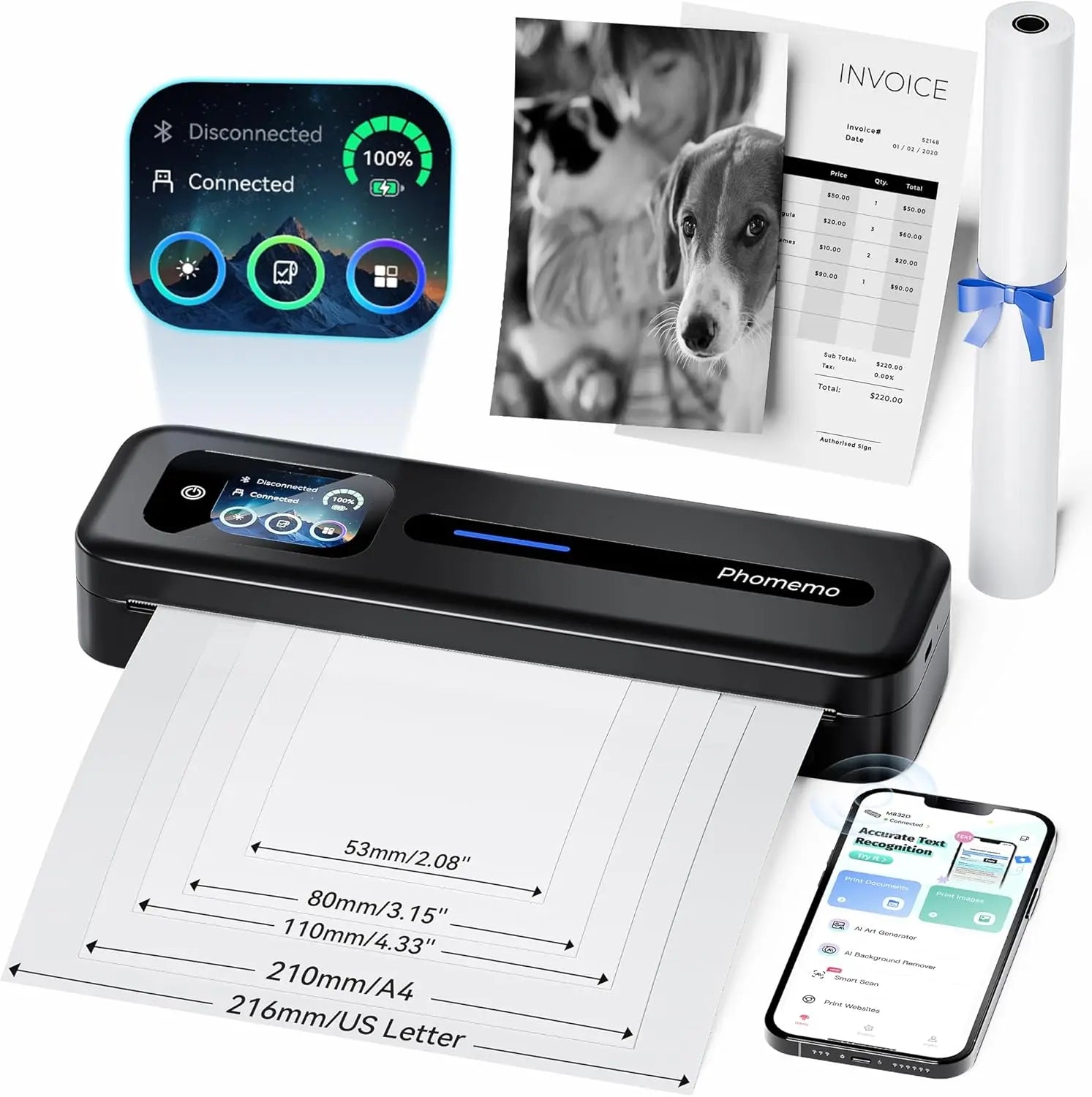 PHOMEMO THERMAL PORTABLE PRINTRA M832D Crega de toque direta atualizada
 Phomemo M08F Plus Impressora Sem Fio para Estêncil de Tatuagem com Tela Sensível ao Toque
 Phomemo 2" Etiquetas térmicas redondas múltiplas para impressora de etiquetas de remessa
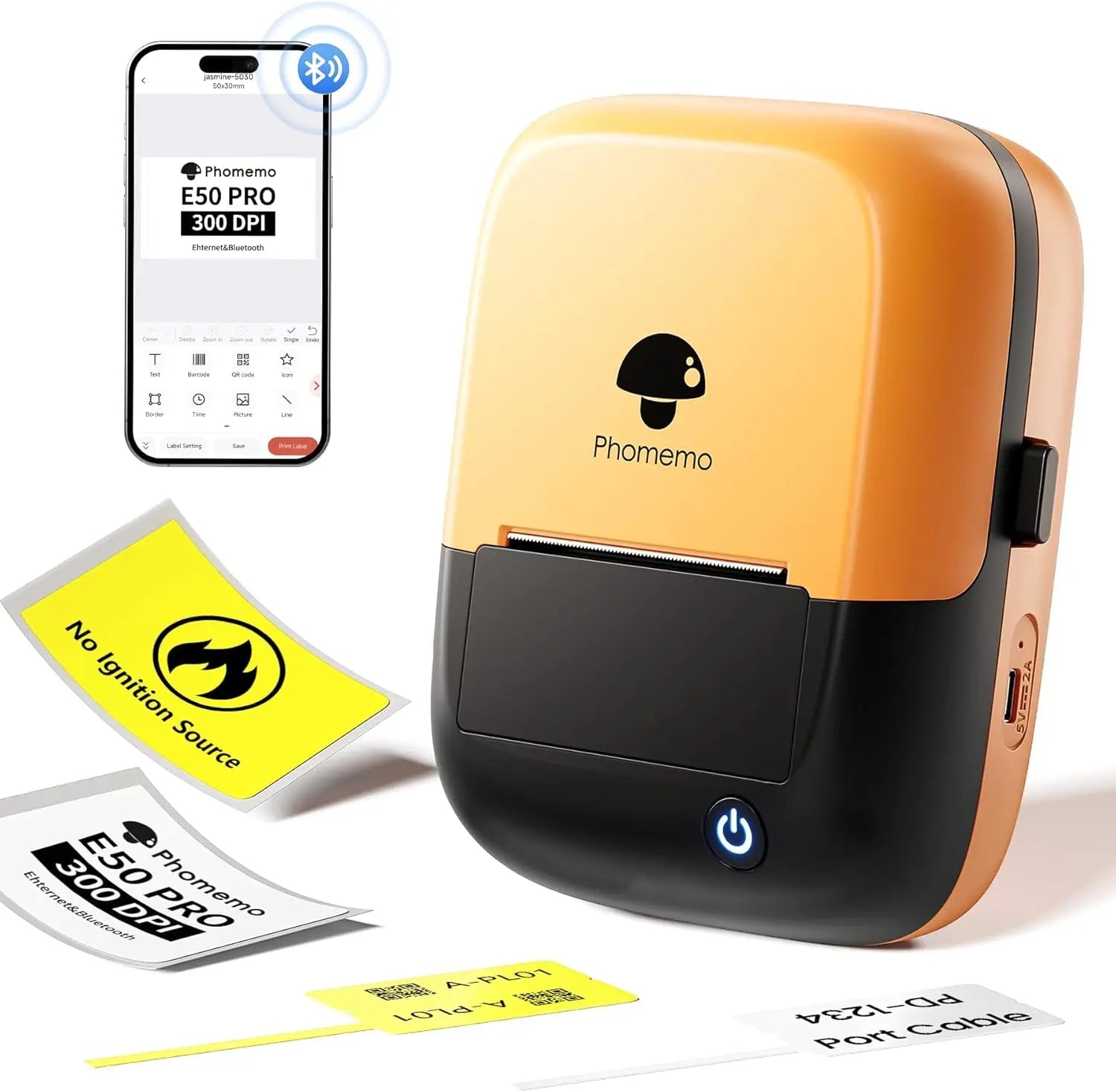 Phomemo E50Pro Industrial Bluetooth Portable Label Maker
 Phomemo G100 Pro Impressora Térmica Portátil Direta
 Phomemo PM64D Impressora de Etiquetas de Envio Bluetooth com Tela Sensível ao Toque Direta Atualizada
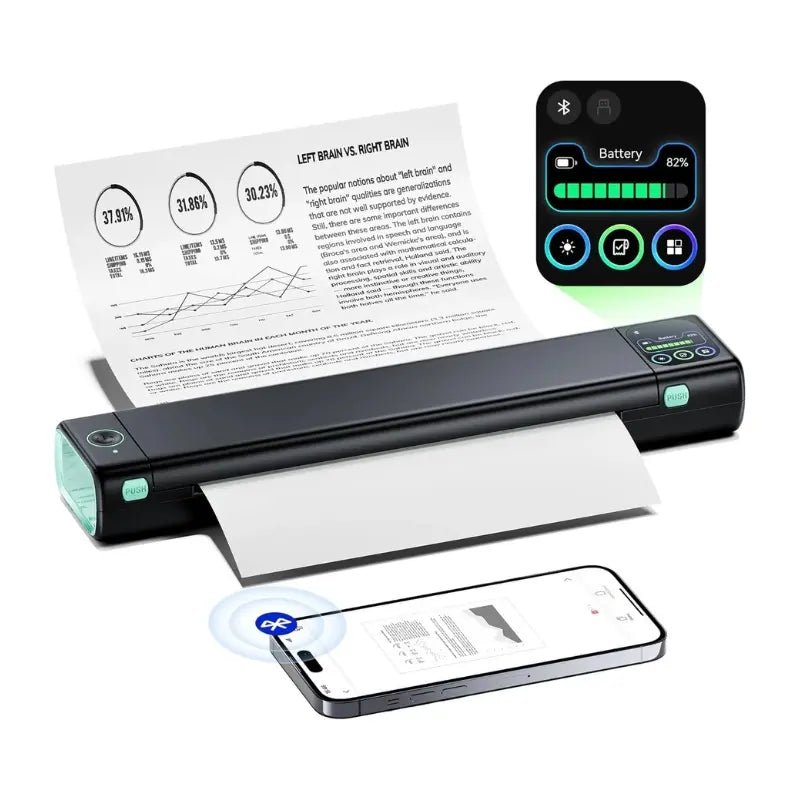 Phomemo Impressora Portátil Atualizada M08D Impressora Térmica Direta
 Conjunto de presentes da mini impressora Phomemo M02
 Phomemo M02S Mini Printer Gift Set
 Phomemo M110
  Phomemo M02 Pro Mini Printer Gift Set
 Phomemo D30
  Acessórios
 Sacos de armazenamento
 Caixas de armazenamento
 Marcas de fé | Uma coleção simbólica de tatuagens de espírito e força | Conjunto de flash de tatuagem
 Ink & Bloom | Uma coleção de sombras elegantes e emoção floral | Conjunto de flash de tatuagem
 Lâmina do Oni | Demônios internos desencadeados | Conjunto de flash de tatuagem
 Símbolos selvagens | Mini conjunto de animais, corações e ícones | Conjunto de flash de tatuagem
 Ao seu lado | Conjunto de flash de tatuagem
 Phomemo M08F Printina de estêncil de tatuagem sem fio
 Phomemo TP81 Printina de Tattoo sem fio
 Phomemo TP31
  Phomemo TP87 Impressora de Tattoo sem fio
 Phomemo M02 Mini Impressora sem tinta
 Phomemo M02 PRO
  Phomemo M02S
  Phomemo M04S Mini Térmico Impressora
 Phomemo M04AS Mini Térmica Impressora
 Phomemo D30 Portátil
  Phomemo P12 Pro
  Fabricante de gravadoras vintage phomemo p15
 Fabricante de gravadoras caseiras Phomemo D50
Phomemo
Phomemo M08F Printina de estêncil de tatuagem sem fio
$15.89
Save EXTRA $15.89 with our discount code.
Code: PM20 Copy Code
- Compacto e leve: Pesa apenas 2 libras, 1.5" grosso, dimensões 310x68x41mm
- Potência e Capacidade: Bateria de lítio, 1200mAh
- Tatuagem Especializada: Tecnologia térmica avançada, pode imprimir padrões e linhas precisos e de alta definição
- Eficiência de impressão: Capacidade da bateria de 1200mAh, até 140 páginas de papel para estêncil de tatuagem continuamente após o carregamento
- Alta compatibilidade: Compatível com uma ampla variedade de dispositivos, como telefones iOS e Android, tablets, laptops e computadores de mesa
- Alta definição: 203 dpi para imagens com cores profundas, resultados de impressão suaves e processamento rápido
- Impressão sem tinta: Não há necessidade de tinta e toner, mais ecológico e eficiente
Saber mais
Economize 19% de desconto com pacotes!


Bring your tattoo workflow into the modern age with the Phomemo M08F-WS Tattoo Stencil Printer.
This wireless Bluetooth printer replaces traditional hand-drawing with fast, precise thermal stencil printing.
No ink, no carbon mess — just clean, detailed outlines ready for transfer. Ideal for professional studios or artists who travel light, it turns your digital designs into skin-ready stencils in seconds.

New Model vs Traditional

Unlike bulky or wired stencil machines, the M08F-WS connects effortlessly with multiple devices — iOS, Android, Windows, macOS, even Chrome OS.
Simply pair it via Bluetooth or USB-C and print directly from your phone, tablet, or laptop.
Whether sketching at your station or finalizing a client’s custom piece on the spot, it keeps your workflow fast and flexible.

Capable of various devices


Support systems including iOS, Android, Mac OS, Windows, Chrome OS, Linux.
Portable in multiple situations

Portable Use Cases
Lightweight and compact, the M08F-WS fits neatly into your kit bag.
It’s perfect for traveling artists offering on-site tattooing, conventions, or pop-up events.
It's rechargeable design and thermal technology mean you can print anytime, anywhere — from a bustling tattoo studio to a client’s living room — without worrying about ink or paper jams.


Suitable Tattoo Styles
Designed with tattoo artists in mind, the Phomemo M08F-WS captures clean line work and simple shading with precision.
It’s the perfect tool for line art, geometric tattoos, minimalist designs, or fine lettering.While not intended for heavy color fills or large dark areas, it guarantees consistent, crisp transfers that make your creative process smoother and more reliable.

Phomemo M08F Tattoo Printer is Suitable for

Please be noted that:
Phomemo M08F Tattoo Stencil Printer is not suitable for:
1. complex lines; 2. color patterns; 3. large-area dark patterns;
Only applicable to:
1. simple lines; 2. black, or monochrome patterns; 3. clear line patterns
How to Use M08F Tattoo Printer

Step 1
Remove the transparent sheet, and tear out the yellow page.

Step 2
Download the app and connect to M08F-A4 via Bluetooth for phones, or via USB cable for Computer.

Step 3
1. Press and hold for 2 seconds to power on.
2. Place the white page face up and the ribbon page faces down and flush against the printer.

Step 4
Cut out the pattern and paint the arms with stencil ointment for a better transfer. Alcohol can wipe away tattoo transfer marks.
How to Use M08F Tattoo Printer
Step 1 Power on the Printer
1. Press and hold the power button for 2 seconds to turn on the printer.

2. Press both side buttons to open the printer cover.

Step 2 Prepare the Tattoo Transfer Paper
1. Remove the second transparent protective paper

2. Tear off the yellow sheet completely.

Step 3 Feed the tattoo transfer paper
1. Place the tattoo transfer paper with the white side facing up and the purple carbon side facing down, ensuring it’s aligned against the printer feed.
2. Close the printer cover securely.

Step 4-1 Print Via PC
1. Download the M08F-WS driver for PC from Phomemo drivers (Portable Printer > M08F > Drivers).
2. Connect your PC to the printer using a USB cable; M08F-WS will appear under Devices and Printers.

3. When printing tattoo stencils from software like Microsoft Office, Photos, or Chrome, select M08F-WS as the printer.

Step 4-2 Print Via Mobile Device
1. Search for Phomemo in the App Store or Google Play, then download and install the Phomemo App.
2. Connect to M08F-WS via Bluetooth in the app’s device list.

3. Create or import your tattoo design or use a template in the app, and print directly with editing options.

Step 5 Transfer the Tattoo
1. Cut out the printed tattoo pattern and carefully peel off the purple layer.

2. Apply stencil ointment evenly on the skin or practice skin to improve transfer quality.

3. Press and transfer the tattoo stencil onto the prepared area. Use alcohol to remove unwanted tattoo transfer marks.

M08F-Tatuagem

TP31
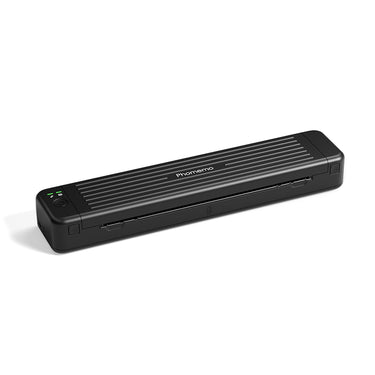
TP81
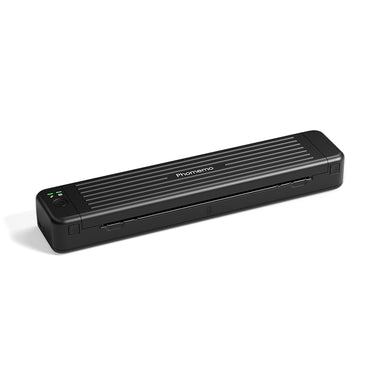
TP83

TP87
| M08F-Tatuagem |
| TP31 |
| TP81 |
| TP83 |
| TP87 |
| Tamanho do Produto (mm) | Tamanho do Papel (mm) | Peso(g) | Fonte de Alimentação | Suporte para Versão PC | Velocidade de Impressão (mm/s) | Capacidade da Bateria (mAh) | DPI | |
|---|---|---|---|---|---|---|---|---|
|
| 310*68*41mm | Carta | 715g | Bateria de Lítio | √ | 13-15mm/s | 1200mAh | 203DPI |
|
| 145*70*54mm | 80mm | 450g | Bateria de Lítio | × | 10-15mm/s | 2200mAh👍 | 203DPI |
|
| 310*67*40mm | Carta | 715g | Bateria de Lítio | √ | 10-15mm/s | 1200mAh | 203DPI |
|
| 310*67*40mm | Carta | 715g | Bateria de Lítio | √ | 10-15mm/s | 1200mAh | 203DPI |
|
| 310*67*40mm | Carta | 715g | Bateria de Lítio | √ | 10-15mm/s | 1200mAh | 203DPI |
How to Use M08F Tattoo Printer
Step 1 Power on the Printer
1. Press and hold the power button for 2 seconds to turn on the printer.
2. Press both side buttons to open the printer cover.
Step 2 Prepare the Tattoo Transfer Paper
1. Remove the second transparent protective paper
2. Tear off the yellow sheet completely.
Step 3 Feed the tattoo transfer paper
1. Place the tattoo transfer paper with the white side facing up and the purple carbon side facing down, ensuring it’s aligned against the printer feed.
2. Close the printer cover securely.
Step 4-1 Print Via PC
1. Download the M08F-WS driver for PC from Phomemo drivers (Portable Printer > M08F > Drivers).
2. Connect your PC to the printer using a USB cable; M08F-WS will appear under Devices and Printers.
3. When printing tattoo stencils from software like Microsoft Office, Photos, or Chrome, select M08F-WS as the printer.
Step 4-2 Print Via Mobile Device
1. Search for Phomemo in the App Store or Google Play, then download and install the Phomemo App.
2. Connect to M08F-WS via Bluetooth in the app’s device list.
3. Create or import your tattoo design or use a template in the app, and print directly with editing options.
Step 5 Transfer the Tattoo
1. Cut out the printed tattoo pattern and carefully peel off the purple layer.
2. Apply stencil ointment evenly on the skin or practice skin to improve transfer quality.
3. Press and transfer the tattoo stencil onto the prepared area. Use alcohol to remove unwanted tattoo transfer marks.
Perguntas frequentes
Frequently Asked Questions
Is the Phomemo M08F suitable for professional tattoo artists?
Yes. The Phomemo M08F is designed for professional tattoo artists who need consistent stencil quality in studios, guest spots, and mobile tattoo sessions. It delivers clean, sharp stencil lines suitable for detailed tattoo work.
What devices can I use with the M08F tattoo printer?
The M08F works with iOS, Android, Windows, and macOS devices. Tattoo artists can easily print stencils directly from smartphones, tablets, or laptops using Bluetooth or USB connections.
Can the M08F handle fine line and detailed tattoo designs?
Yes. With high-resolution thermal printing, the M08F accurately reproduces fine lines, small text, and detailed tattoo artwork, making it ideal for realism, linework, and lettering styles.
What type of tattoo stencil paper should I use?
The M08F is compatible with standard thermal tattoo transfer paper commonly used in professional tattoo studios. No ink or toner is required.
Is the M08F tattoo printer portable for guest spots or conventions?
Yes. Its lightweight and compact design makes the M08F easy to carry for conventions, guest tattoo sessions, and on-site work.
Does the M08F require ink or cartridges?
No. The M08F uses direct thermal printing technology, so there is no need for ink, ribbons, or cartridges.
How reliable are the stencils for long tattoo sessions?
When printed on quality thermal transfer paper, M08F stencils remain clear and stable throughout extended tattoo sessions.





